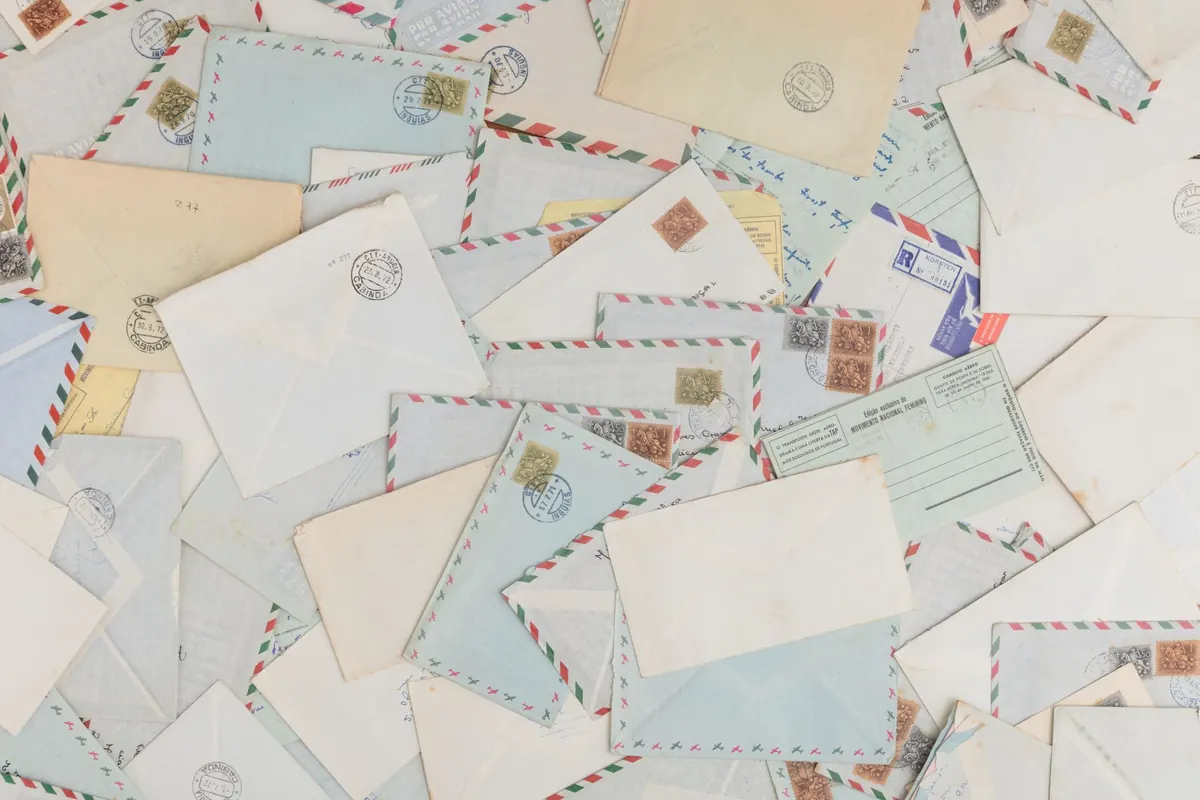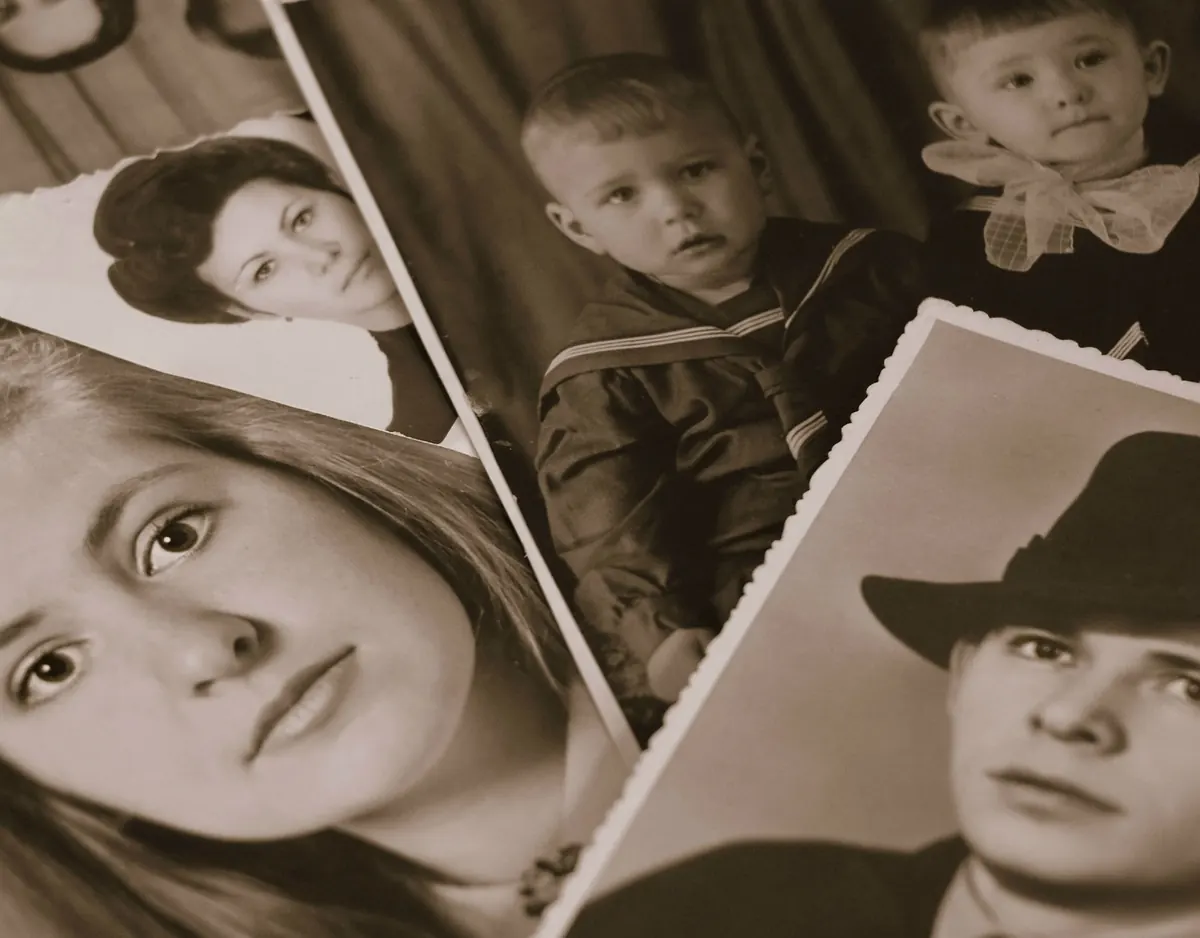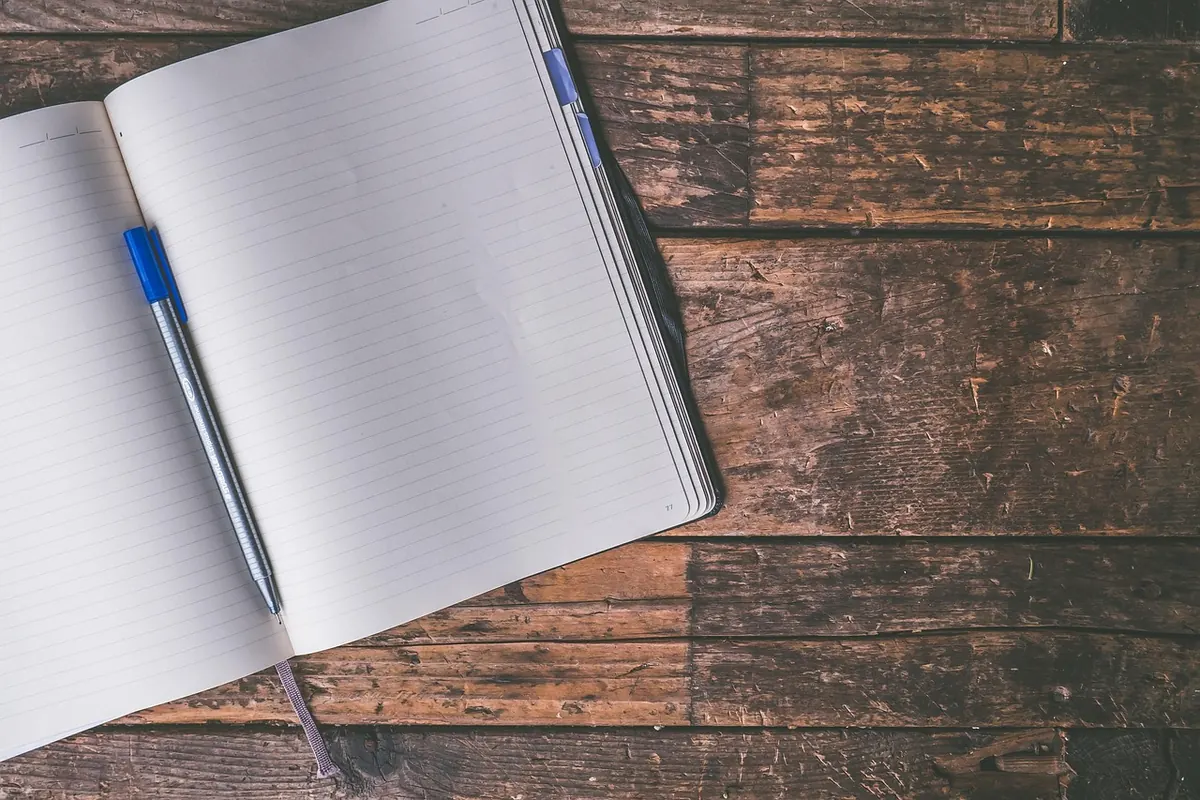
There is a shoebox in most families. Mine held four notebooks, a bundle of letters tied with kitchen string, and a passport photograph of a woman nobody could name. Beside it, on a laptop, sat a folder called "Photos 2011–2014" that had not been opened in years. Both were memory archives. Only one of them could be read without electricity.
Most people who keep memories end up choosing a system by accident. They start a notebook, or they start a folder, and the habit hardens. Later they wonder whether they picked the right one. The honest answer is that paper and digital fail in different ways, and those failures matter far more than the features on a comparison chart. Here is how the two hold up on the four things that decide whether an archive outlasts your enthusiasm.
Durability: What Actually Survives Ten Years
Paper is a slow, visible failure. A cheap spiral notebook filled with ballpoint ink, kept dry and out of direct sun, will almost certainly still be legible in thirty years. The enemies are specific and known: damp cellars, a shelf above a radiator, a window that gets afternoon light, silverfish, and the box that gets left on the floor during a flood. Some paper is worse than others — inkjet printouts fade within a decade, thermal receipts go blank, and the magnetic albums with sticky pages from the 1980s have quietly stained a lot of family photographs. If you print, use pigment ink on quality paper and store prints in acid-free sleeves with photo corners.
Digital files don't rot, but the path to them does. I have a folder of documents saved in a word processor format that no current program opens cleanly, and a drawer of MiniDV tapes with nothing left in the house to play them. The file survived; the reading of it didn't. Cloud accounts close when a card expires and an old email address is forgotten. Hard drives fail without warning, and unlike a water stain, nobody notices for years.
That's the real difference: paper degrades gradually and tells you so, while digital fails suddenly and silently. A faded page is a warning. A dead drive is a discovery.
Searchability: Finding One Afternoon Among Thousands
Digital wins this one by a wide margin — but only when someone has done the unglamorous work of adding words. A folder of twelve thousand photographs with no captions is barely searchable; you can filter by date and scroll. The moment you caption even a third of them, with names and places written in plain language, the archive changes character. You can find "Nonna's kitchen" in two seconds.
Paper has to be searched by structure and memory. That sounds like a disadvantage, and half of it is. But set up a little scaffolding and it becomes workable:
- Number every notebook on the spine and keep a single index list inside the cover of volume one: number, dates covered, one-line summary.
- Write a header at the top of each entry — date, place, who was there — in the margin if the page is already full.
- Keep anything loose (tickets, letters, a pressed leaf) in an envelope taped to the inside back cover, not slipped between pages.
The trade is real. Digital finds the thing you already remember. Paper finds the thing you had forgotten, because flipping through a notebook puts you in front of pages you weren't looking for. Many keepers end up wanting both, which is worth knowing before you commit to one.
Sharing: Who Else Can Actually Read It
A paper journal is a social object. Passed around a kitchen table, it gets read aloud, argued over, and remembered. Digital sharing is faster and usually thinner: a link in a group chat earns a thumbs-up and nothing else. Links also travel further than you think, and a shared folder link stays live until someone remembers to switch it off.
The practical move is to make a reader's copy. Photograph or scan the ten pages you genuinely want other people to see, put them in a single file, and send that. The rest stays where it belongs. It also helps to leave a short note at the front of a diary saying what may be shared and what should stay closed — not a legal document, but a clear signal to whoever finds it later. If you want that instruction to carry real legal weight, especially about who inherits the archive, take proper advice rather than relying on a note in a notebook.
Backup Risks: The Quiet Failure Modes
Paper's weakness is that it usually exists once. One copy, one house, one attic, one well-meaning relative who clears a shelf during a move. A lifetime of notebooks is heavy, and heavy things get culled. Store boxes off the floor, away from outside walls, and record what's in them.
Digital's weakness is that it feels safe long before it is. The usual culprits:
- The folder that lives in exactly one place, on a laptop that travels.
- The cloud account registered to an address you stopped using in 2016.
- The old format nobody can open — early video files, obscure document types.
- The backup nobody ever tested. A backup you haven't restored from is a hope.
- The shared drive a family member tidies up.
- The password only one person knows, in a head rather than a safe place.
The plain-language version of a proper backup: three copies, on two different kinds of media, with one copy somewhere other than your home. Then, once a year, open five random files from the backup rather than from the original. If they open, you have a backup. If they don't, you have a false comfort and time to fix it.
The Middle Path Most Keepers End Up Taking
Very few people I know have chosen one system cleanly. The ones whose archives are in good shape tend to run a simple hybrid, and it takes an afternoon a year:
- Keep writing by hand for the daily, reflective, private material. Handwriting is slow in a way that keeps you honest, and the pages survive neglect.
- Once a year, photograph the pages in batches. Phone camera, daylight near a window, one page per frame, no flash.
- Name the files so they make sense without context: 2019-06-14-notebook-04-p012.
- Keep a plain-text or spreadsheet index with date, place, people, and a one-line summary. This is what makes everything findable later.
- Store the scans in two places, one of them outside the house. Keep the paper anyway. The scan is insurance, not a replacement.
The maintenance cost is the part nobody mentions in comparisons. Digital archives need a small amount of attention every year — a file check, a password review, a format migration every decade or so. Paper needs almost none until the day it needs a lot. Budget for the version you'll actually maintain.
Choose by What You'd Regret Losing
Write down three things you would hate to lose: a particular year, a particular voice, a particular trip. Then find out where each one currently lives, and how many copies exist. If the answer is "one", that's the job for this week — not a new app, not a prettier notebook, just a second copy in a second place.
Finally, leave a short note for whoever inherits the archive: where it is, roughly what's in it, which formats need which program, and who has the passwords. One page, kept with the boxes and the drive. The system you choose matters less than whether anyone else can find their way into it after you.
Photo: 6689062 / Pixabay